
Backseat Buddy
By SiGameGen Studio · Free to play
About this game
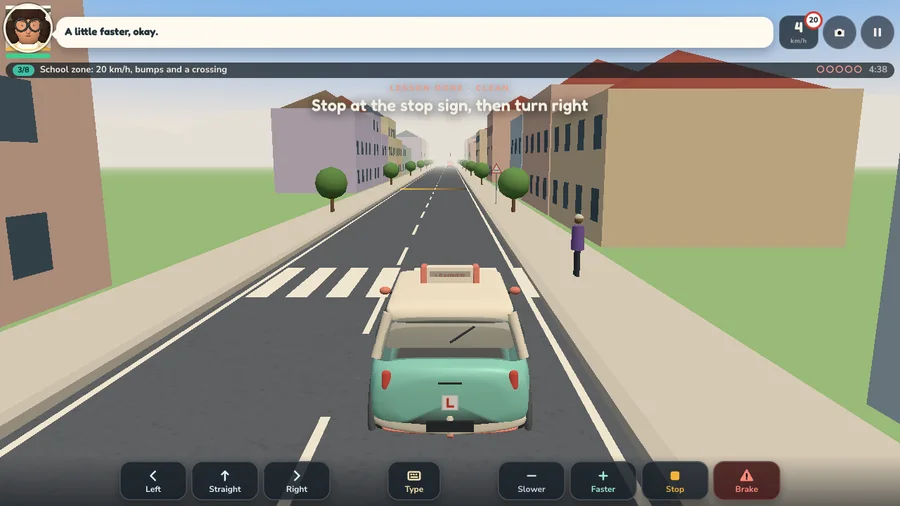
Coach Juno through three driving courses in Backseat Buddy, an original free 3D browser game. Type instructions or use touch buttons, park at the lighthouse and download an offline version.
A little more to explore
Create your own take Create your own take
 Take Backseat Buddy with you · play offline or edit the source
How to play Backseat Buddy
Finish Sunny Lot, Maple Street and Gull Point in order. Stop safely, follow junction directions, respect school-zone speeds, yield at crossings, turn on the headlights in the tunnel and park in each marked bay. Clear the lighthouse course for the sunset ending. Courses award up to three stars; Easygoing allows five strikes and Road Test three.
- Desktop controls
- Use the labelled Left, Straight, Right, Slower, Faster, Stop and Brake buttons. Type opens a short English instruction field; press Enter or Say to send it. The camera button switches between chase and cabin views. Pause opens settings. Play the six-step practice before starting a course.
- Phone & tablet controls
- Tap the large instruction buttons below the road; the driver responds after a short reaction time. Type accepts the same short English instructions. Both portrait and landscape are supported. Full-screen play gives the road more room; microphone access is not needed.
A useful starting tipGive an instruction early enough for the driver to react. Stop is a gentle stop; Brake is for an immediate hazard. Questions such as “Should I turn left or wait?” ask you to choose rather than guessing. Browser checkpoints are saved after completed courses when storage is available. The standalone download works with text and buttons; cloud speech is an optional internal pilot.
Use full-screen play for more room on a phone. Use the game’s retry button after a failed stage. Reload keeps saved campaign progress when storage is available. This game is free to play and does not need an account.
Explore more arcade games →
Your next round
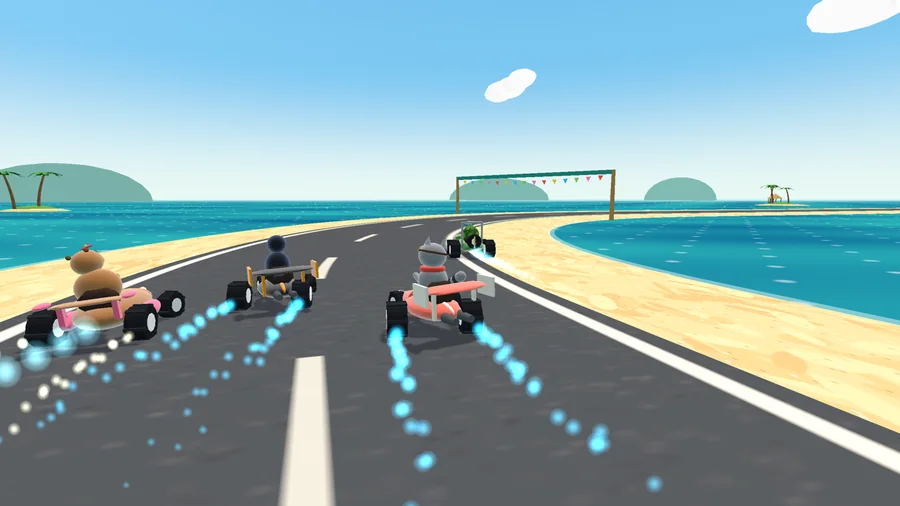
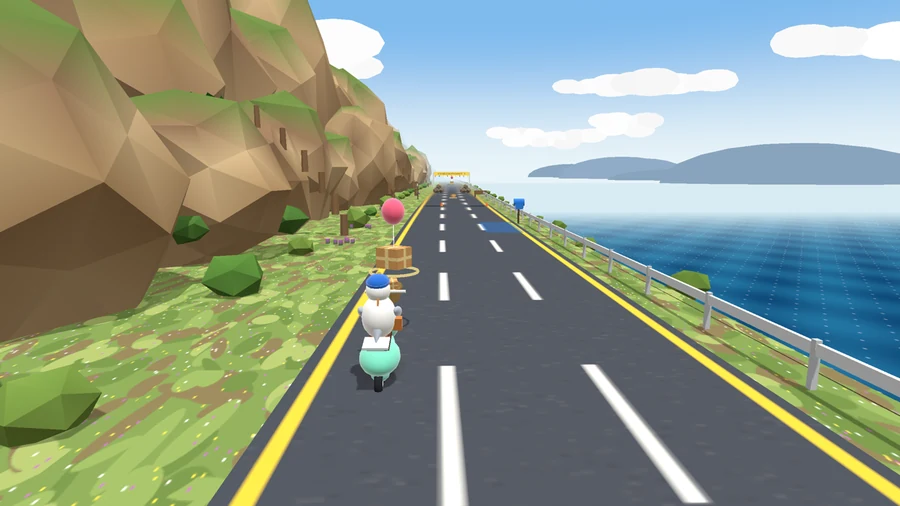
Try another challenge from the studio.
Make your own version of the idea
This original studio game was developed with Claude Code and tested for browser play. The idea below describes its mechanics; using it starts a new AI build rather than copying this finished game. AI builds and edits use creation credits.
Built with the local Claude Code desktop app using Opus 5.5. Game framework: Three.js · Original procedural art and sound · MIT engine license · Title font license · Body font license